CareRecorda
Guides · Reader access
More guides, and these with bigger pictures, at carerecorda.co.uk/help
Read and sign a policy
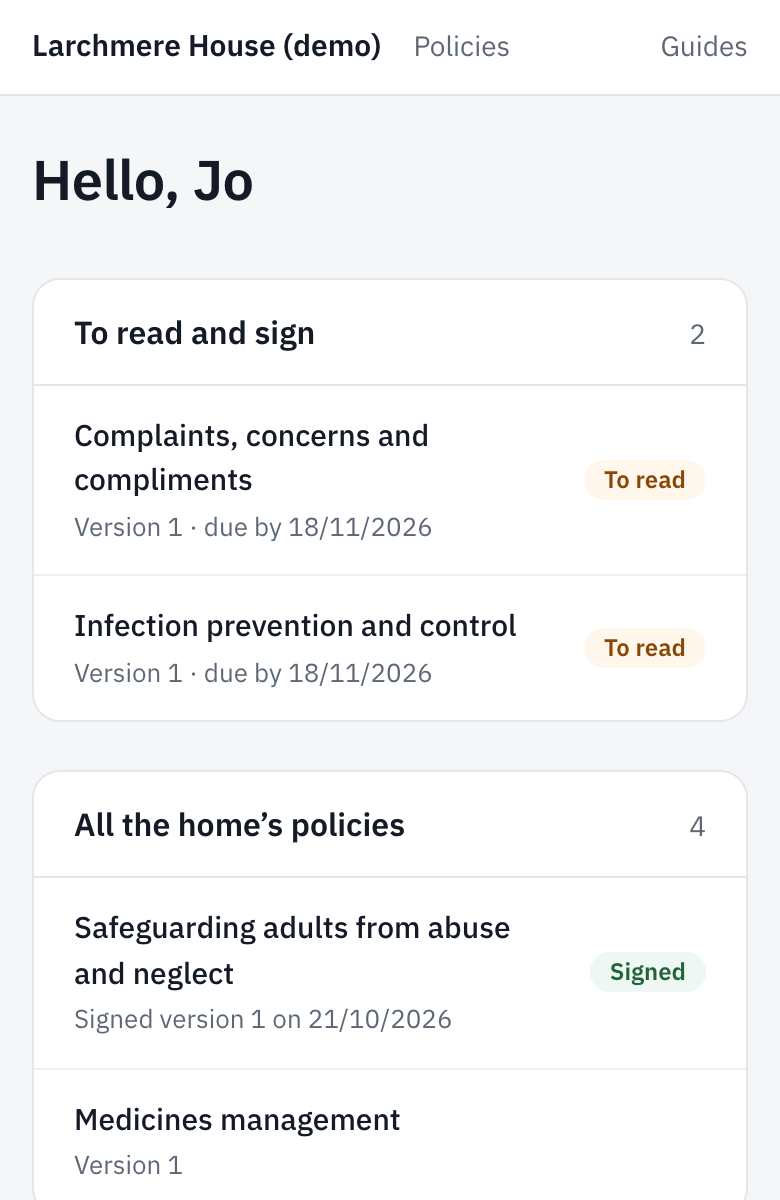
- To read and sign lists the policies waiting for you.
- Open one and read it all the way through.
- Tick the box to say you’ve read and understood it, then tap Sign.
Sign in
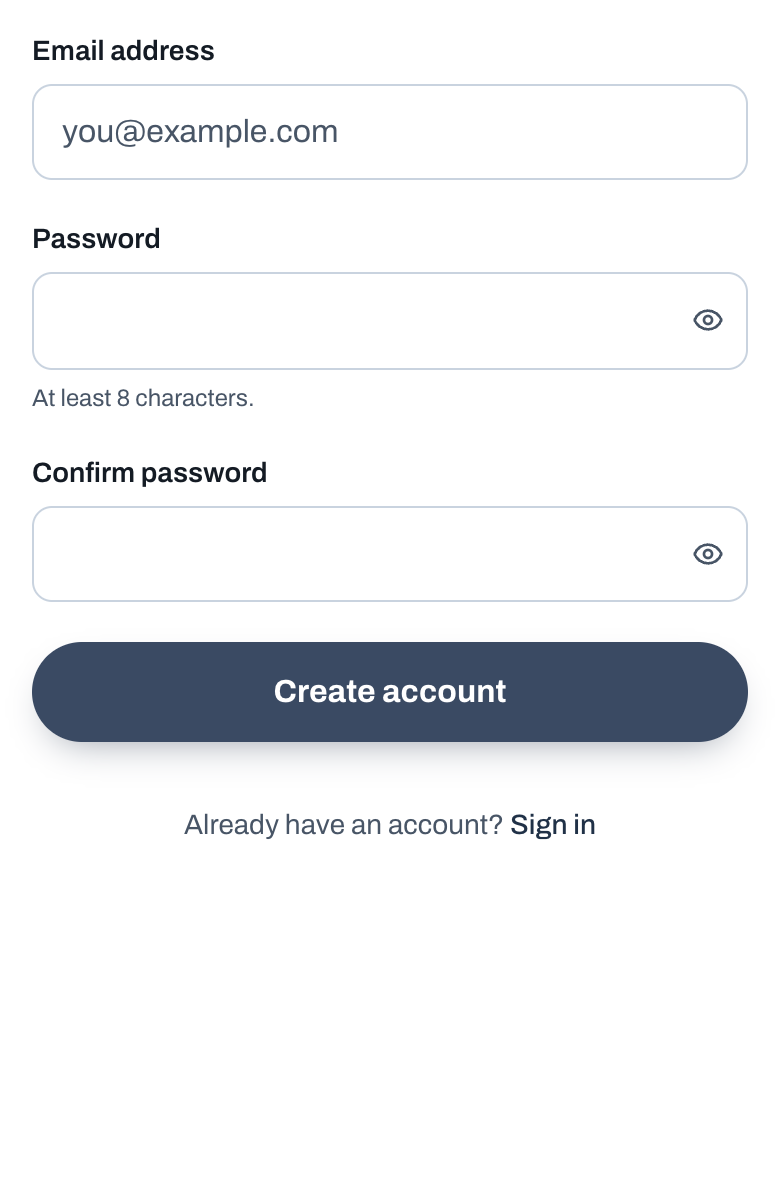
- Open the invite link you were sent.
- Tap Create account, choose a password, type it again and tap Create account.
- If it says Check your email, open that email and tap the link.
- You land on your policies. Next time, sign in with the same email and password.
Change your password
- Sign out. On a phone, Sign out is under Menu, at the bottom. On a computer, it’s under your email at the bottom left. If you only read policies, it’s at the top right.
- On Sign in, tap Forgot your password?
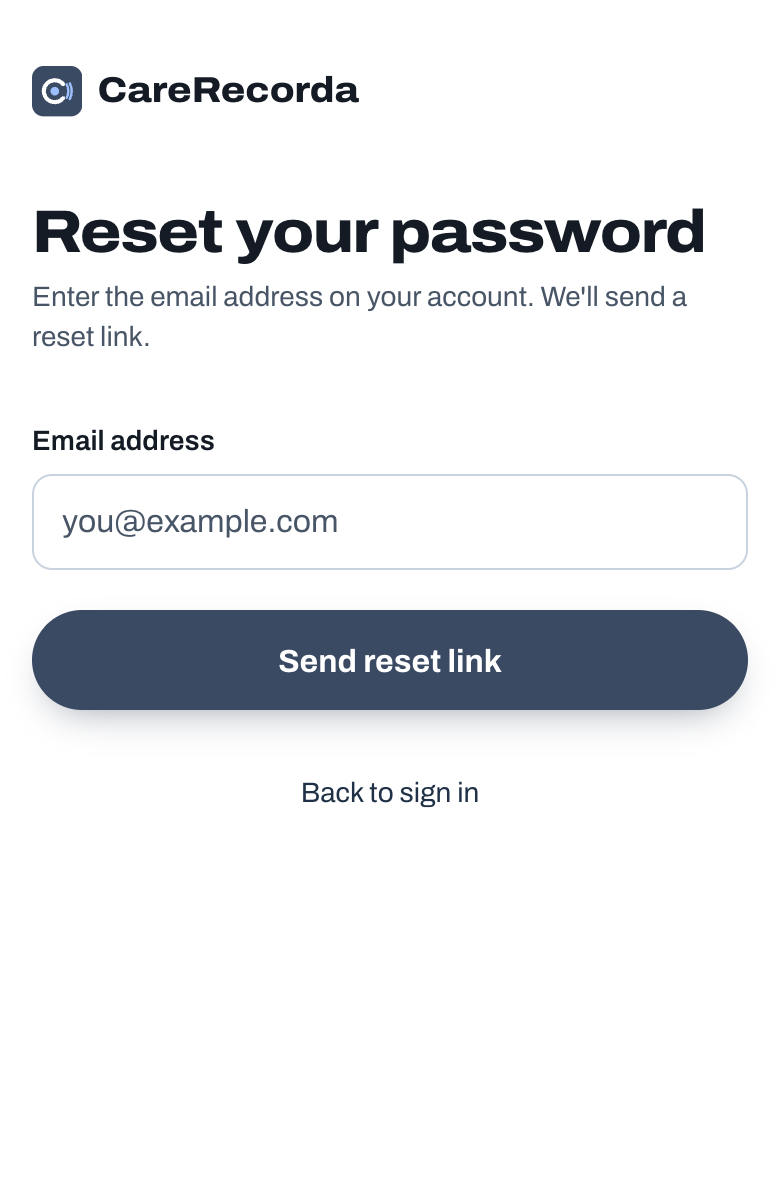
- Put in your email and tap Send reset link.
- Open the email, tap the link, type your new password twice and tap Save new password.